How can I use the advanced filter option?
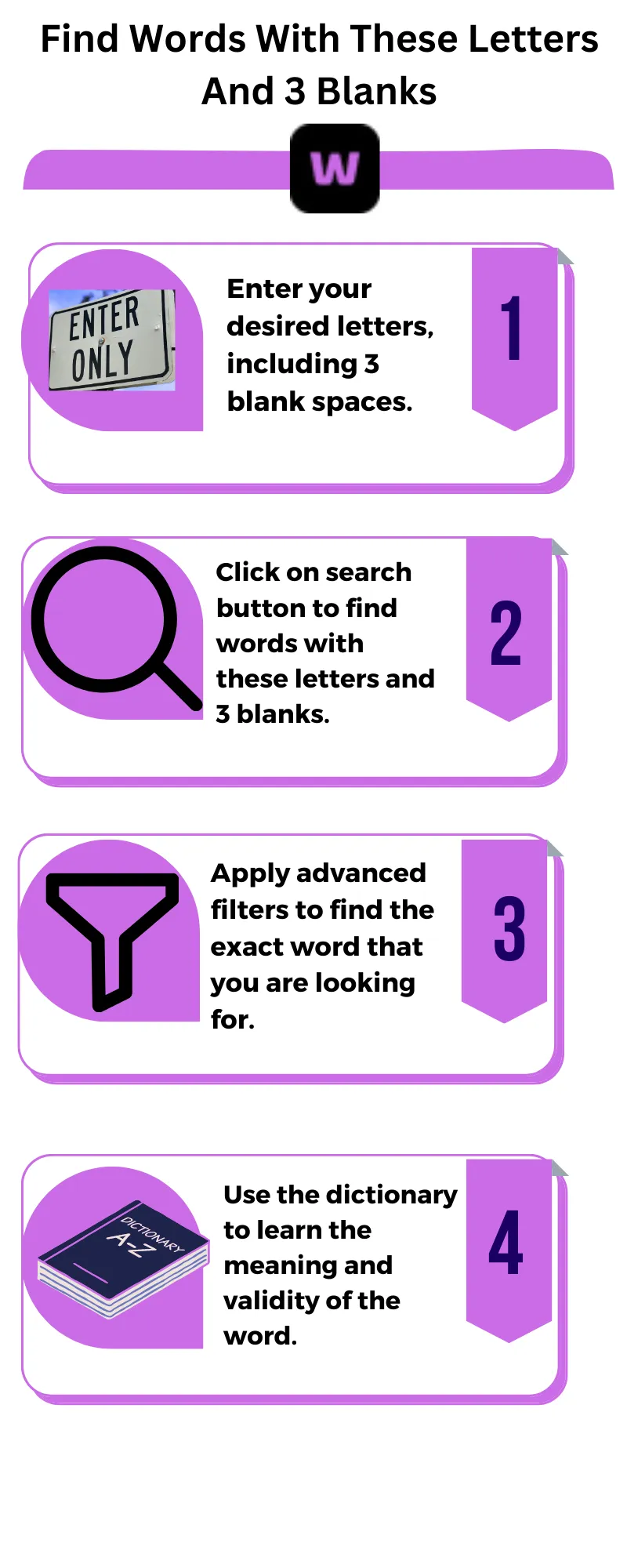
Specify criteria such as “Starts with,” “Ends with,” “Contains,” “Include,” “Exclude,” or word length. After setting your preferences, click the Search icon to view precise results.
What dictionary options are available?
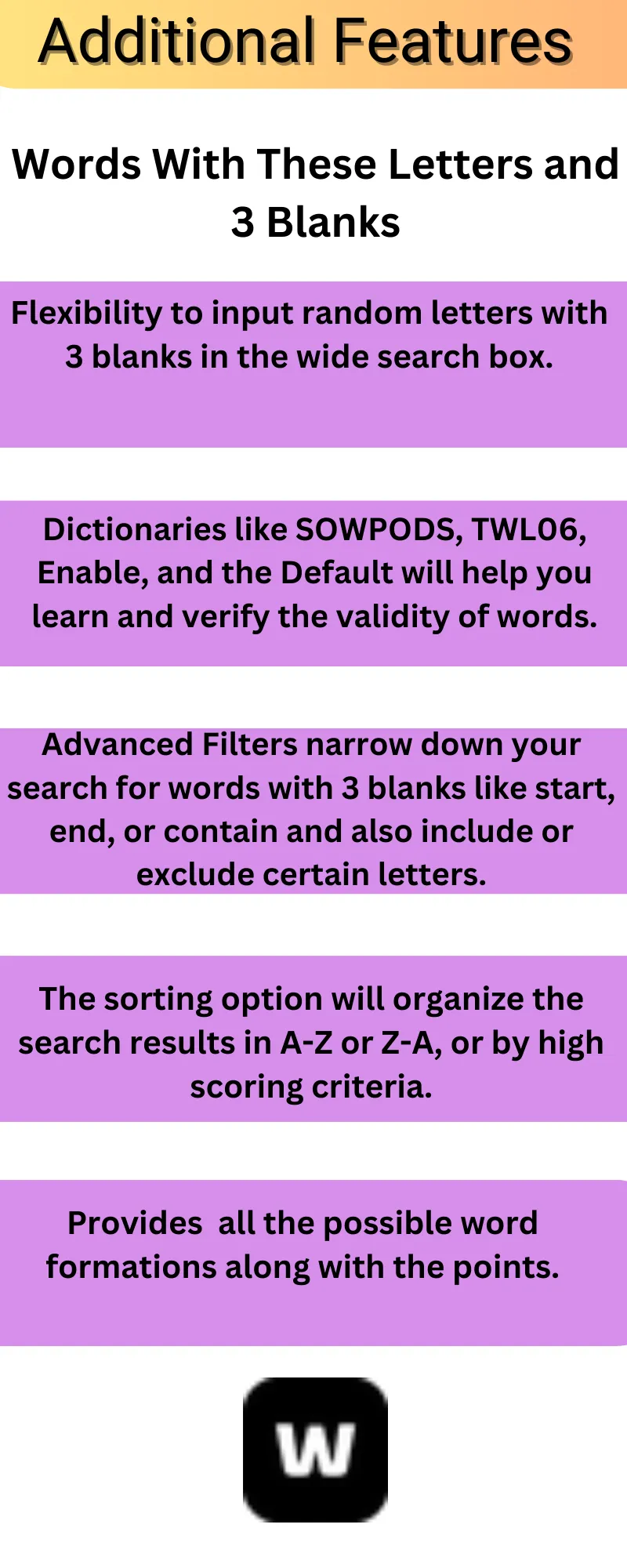
You can select from four trusted dictionaries, including Default Dictionary, Scrabble US (TWL06), Scrabble UK (SOWPODS), and Enable (Words with Friends) to ensure accurate and relevant word suggestions.
What sorting options can I use?
You can sort results alphabetically (A–Z or Z–A) or by game points to find the highest-scoring words instantly.
Can I see how many points each word scores?
Yes. Each word displays its point value, helping you make smart choices during games like Scrabble or Words with Friends.
Does the tool support languages other than English?
Currently, the tool focuses on English dictionaries. However, multilingual support may be introduced in future updates.
Is the tool suitable for professional writing or content creation?
Definitely. Writers and content creators can use the tool to discover new words and expand their vocabulary, improving creativity and expression in their work.
Can I utilize the tool for educational purposes to learn new words?
Yes. The tool is an excellent resource for students and language learners. It helps in discovering new words, understanding meanings, and improving spelling and vocabulary skills.
Can I access the tool offline?
No. The tool requires an internet connection for accurate results from online dictionaries. However, you can bookmark the page for quick future access.
Can I use special characters or numbers?
No. The tool only accepts alphabetic characters since it is designed for word-based games and learning.
How are blanks used in searches?
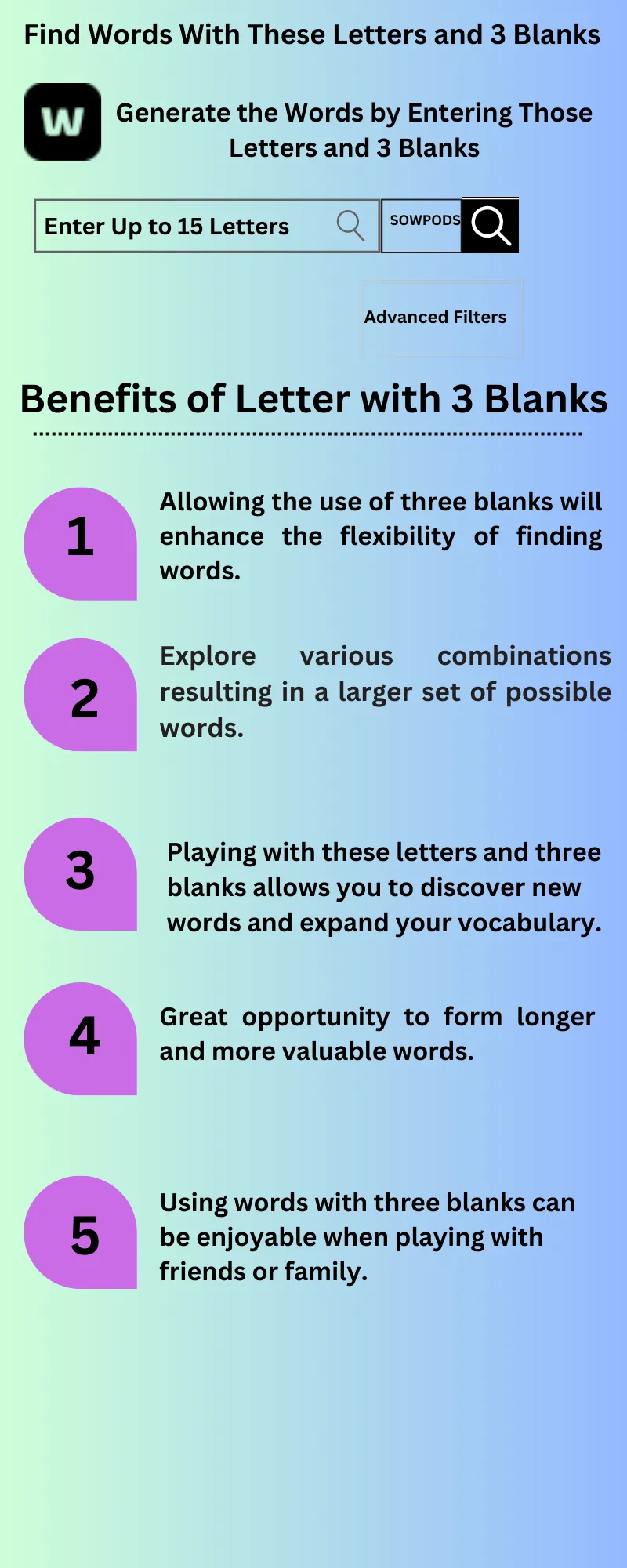
Each blank acts as a wildcard that can represent any letter, helping form multiple word combinations instantly.
Does the tool provide word meanings?
Yes. Click on any word in the results list to view its meaning, definition, and validity.
Are shorter or longer words prioritized?
You can control this using filters; set word length preferences to find either shorter or longer words easily.
Can I exclude certain letters?
Yes. Use the “Exclude” filter to remove unwanted letters from search results.
Is registration required to use the tool?
No registration, login, or installation is required. You can start using it instantly.
What are some example words formed from ‘LITSCAPE’ with 3 blanks?
Examples include specialist, neoplastic, septically, applicate, capsulate, inelastic, peculiars, articles, capstone, and insulate.
Can I use this with no blanks at all?
Yes, you can use the tool without blanks. Visit our
https://wordswithletters.org to generate all valid word combinations using your selected letters only, without any blank tiles.
Can I also find 5-letter words with these letters?